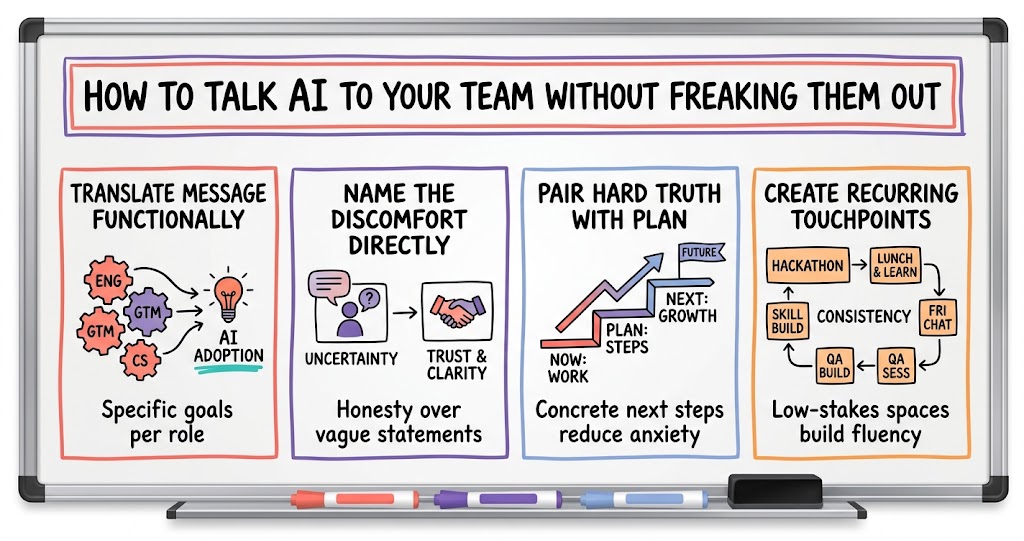
This week's SaasRise discussions covered how SaaS leaders are hardening security postures, restructuring teams around growth and technical bottlenecks, and rethinking how they close deals, hire executives, and bring distributed teams together. The conversations focused on treating compliance as a floor rather than a ceiling, matching leadership roles to individual strengths, and using AI thoughtfully — both to scale outreach and to communicate change internally.