
.png)
How to Set up Ad Conversion Tracking on Meta, Bing, Google, and LinkedIn
Conversion tracking is one of the most misunderstood—and most critical—components of modern B2B marketing. Many companies believe that once an ad account is created and a pixel is installed, tracking is “set up.” In reality, pixel installation and conversion tracking are two related but fundamentally different things, and confusing them leads to unreliable data, poor optimization, and misleading attribution.

As B2B buying journeys become longer, more fragmented, and more privacy-restricted, accurate conversion tracking is no longer optional. It is the foundation that allows outbound email, LinkedIn, retargeting ads, and paid search to work together as a single system.
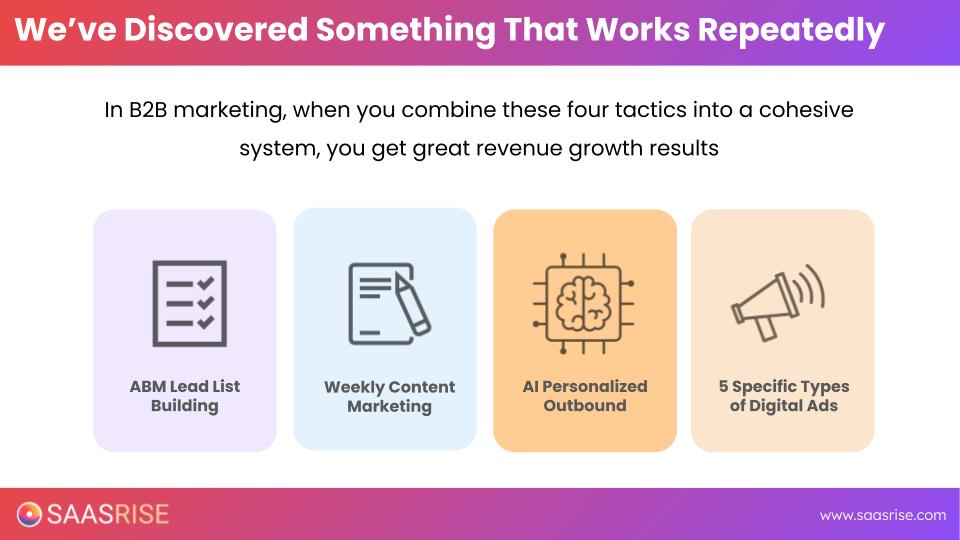
In this article, we’ll walk through how conversion tracking actually works across Meta, Google, LinkedIn, and Microsoft (Bing), the different methods available, and how to think about tracking in a way that supports long sales cycles and high-ACV decision making.
Why Conversion Tracking Matters More Than Ever
In the past, conversion tracking was relatively simple. A user clicked an ad, landed on a page, and completed a form. Cookies handled the rest. That world no longer exists.
.jpg)
Between iOS privacy changes, browser tracking restrictions, and multi-device behavior, most conversions today involve multiple touchpoints across weeks or months. A prospect may first see a Meta ad, later click a LinkedIn post, then finally convert after searching your brand on Google.
Without proper tracking, each platform may claim full credit for the same conversion. This inflates results, distorts CAC calculations, and leads teams to scale the wrong channels.
Effective conversion tracking solves two problems at once: it provides more reliable reporting, and it feeds better data back into the ad platforms so their algorithms can optimize toward the right people.
Pixels and Conversion Tracking Are Not the Same Thing
The first point of clarity is understanding that installing a pixel and setting up conversion tracking are separate steps.
Pixels (or tags) collect behavioral data. They allow platforms to know who visited your site, what pages were viewed, and which audiences can be retargeted. Conversion tracking defines what counts as success and tells platforms when a meaningful action has occurred.
You need both.
A pixel without conversion tracking can build audiences but can’t optimize for outcomes. Conversion tracking without proper pixel setup breaks retargeting and attribution. The system only works when both are configured correctly.
Installing Pixels Across All Platforms
Before conversions can be tracked, each advertising platform must have its base tracking installed on your website. This is typically done either directly in the site’s header or through a tag management system like Google Tag Manager.
.jpg)
Meta uses what it calls a dataset, commonly referred to as the Meta Pixel. Google uses the Google Tag. LinkedIn relies on the Insight Tag. Microsoft Ads uses the UET tag.
The process is largely the same across platforms: generate the tag inside the ad account, install it site-wide, and ensure the correct people have access to manage it. Once installed, the clock starts ticking—only visitors from that point forward can be tracked and retargeted.
This is why pixel installation should happen as early as possible, even before campaigns are live.
The Three Ways to Set Up Conversion Tracking
Once pixels are installed, the next step is deciding how conversions will be tracked. There are three primary approaches, each with different levels of reliability and complexity.
.jpg)
1. Native Pixel-Based (URL or Button Tracking)
This is the most common—and least reliable—method.
In this setup, conversions are triggered when a user visits a specific page (such as a thank-you page) or clicks a specific button. Each platform allows you to define these rules inside its interface.
While easy to implement, this method has significant limitations. Browser restrictions, cookie blocking, and iOS privacy changes often prevent conversions from being attributed correctly. Additionally, platforms do not communicate with each other, leading to duplicated conversions when multiple ads influence the same user.
Native pixel tracking can be sufficient for simple funnels, but it struggles in longer, multi-touch B2B journeys.
2. Native Conversion APIs (Platform-Specific)
The second approach uses server-side APIs instead of browser-based tracking.
In this model, conversion data is sent directly from your website or CRM to each ad platform. When someone converts, their identifying information (such as email or phone number) is securely transmitted to Meta, Google, LinkedIn, and Bing. The platforms then match that data to users who were shown ads.
This method is far more reliable than pixel-only tracking. It bypasses many privacy restrictions and gives ad algorithms higher-quality data to optimize against.
However, the platforms still operate independently. Each one may still claim credit for the same conversion, and setting this up requires technical effort that varies by tech stack.
3. Third-Party API Attribution (Recommended)
The most reliable option is third-party conversion tracking using a centralized API-based system.
In this approach, all user activity is tracked by a third-party platform that assigns a unique identifier to each visitor. When a conversion occurs, the platform maps the entire journey—across email, LinkedIn, Meta, Google, and Bing—and then sends deduplicated conversion data back to each ad network via API.
This eliminates double-counting, supports advanced attribution models, and provides a single source of truth for reporting. Tools like Commonly or Hiros act as the intermediary, handling both attribution and API integrations on your behalf.
For most B2B companies, especially those with higher ACVs and longer sales cycles, this approach provides the clearest picture of what’s actually driving revenue.
How Conversion Tracking Is Set Up on Each Platform
Although the mechanics differ slightly, the core idea is the same across Meta, Google, LinkedIn, and Bing.
On Meta, conversions are created inside Events Manager, typically based on page visits or key actions. LinkedIn uses its conversion tracking section to define page loads or button interactions. Google relies on events and key events inside Google Analytics, which are then imported into Google Ads. Microsoft Ads uses destination URLs defined as conversion goals.
Each platform requires you to explicitly tell it which actions matter. Simply installing a pixel is not enough—conversions must be created, categorized, and tested.
Why Attribution Is Not Just a Reporting Problem
One of the most important insights from this system is that conversion tracking is not only about dashboards—it directly affects performance.
Ad platforms optimize based on the data they receive. If that data is inaccurate, delayed, or duplicated, the algorithms learn the wrong patterns. This results in higher costs, lower lead quality, and inefficient spend.
Accurate tracking improves targeting, not just reporting.
It’s also important to recognize that attribution is part science and part interpretation. Higher-ACV businesses rarely close deals from a single click. Awareness, influence, and timing matter. This is why models like U-shaped or multi-touch attribution are often more meaningful than last-click alone.
What Are the Benefits of Using Cometly for Ad Conversion Tracking?
Once you’re running ads across multiple platforms, native tracking starts to break down. Each platform reports conversions in isolation, which leads to double-counting and confusing results. Cometly solves this by acting as a single source of truth, deduplicating conversions and showing how channels actually work together.
It’s especially valuable for B2B sales cycles, where buyers take weeks or months to convert. Cometly tracks the full journey across sessions and platforms, rather than relying on fragile browser-based tracking that often misses the bigger picture.
Cometly also helps ads perform better. By sending clean, server-side conversion data back to ad platforms, algorithms get stronger signals and optimize more effectively over time.
At a practical level, it simplifies everything. Instead of juggling multiple dashboards and APIs, teams manage conversion tracking in one place and make decisions with far more confidence.
What Are Some Alternatives to Cometly?
Cometly isn’t the only option for conversion tracking, but most alternatives come with tradeoffs that are important to understand.
Hyros offers similar third-party attribution and works well, especially for companies already using it. It was originally built for ecommerce and later adapted for B2B, which means it can handle attribution but may feel less intuitive for longer, multi-stakeholder sales cycles.
Google Analytics is widely used and free, but it struggles with modern B2B attribution. Cookie limitations, short attribution windows, and weak cross-channel deduplication make it hard to rely on GA alone once ads and retargeting are involved.
HubSpot can track attribution if it’s fully configured, but setup is complex and often expensive. Many teams never implement it deeply enough to get accurate results, which leads to partial or misleading reporting.
All of these tools can work, but as ad spend and complexity increase, most B2B teams find that a dedicated third-party attribution layer is easier to manage and easier to trust.
Putting It All Together
A properly configured conversion tracking system allows outbound email, LinkedIn outreach, and paid ads to work together as a unified growth engine.
Outbound identifies interest. LinkedIn builds trust. Ads maintain visibility. Conversion tracking ties it all together, revealing how each channel contributes across the buyer journey.
Without it, teams make decisions in the dark. With it, they gain clarity, confidence, and the ability to scale what truly works.
Final Thoughts
Setting up ad conversion tracking across Meta, Bing, Google, and LinkedIn is not about chasing perfect data—it’s about building a system that is reliable enough to guide smart decisions.
Pixels must be installed. Conversions must be defined. Attribution must be centralized. And the entire system must be designed with long B2B sales cycles in mind.
When done correctly, conversion tracking becomes one of the most powerful enablers of outbound, paid media, and omnichannel growth. It doesn’t just tell you what happened—it helps ensure the right things happen more often.